
Feedback
freeTrialImage.bannerPity
freeTrialImage.upgradeUnlock
- ✓freeTrialImage.benefitHd
- ✓freeTrialImage.benefitWatermark
- ✓freeTrialImage.benefitUnlimited
Seedream 5.0 flash
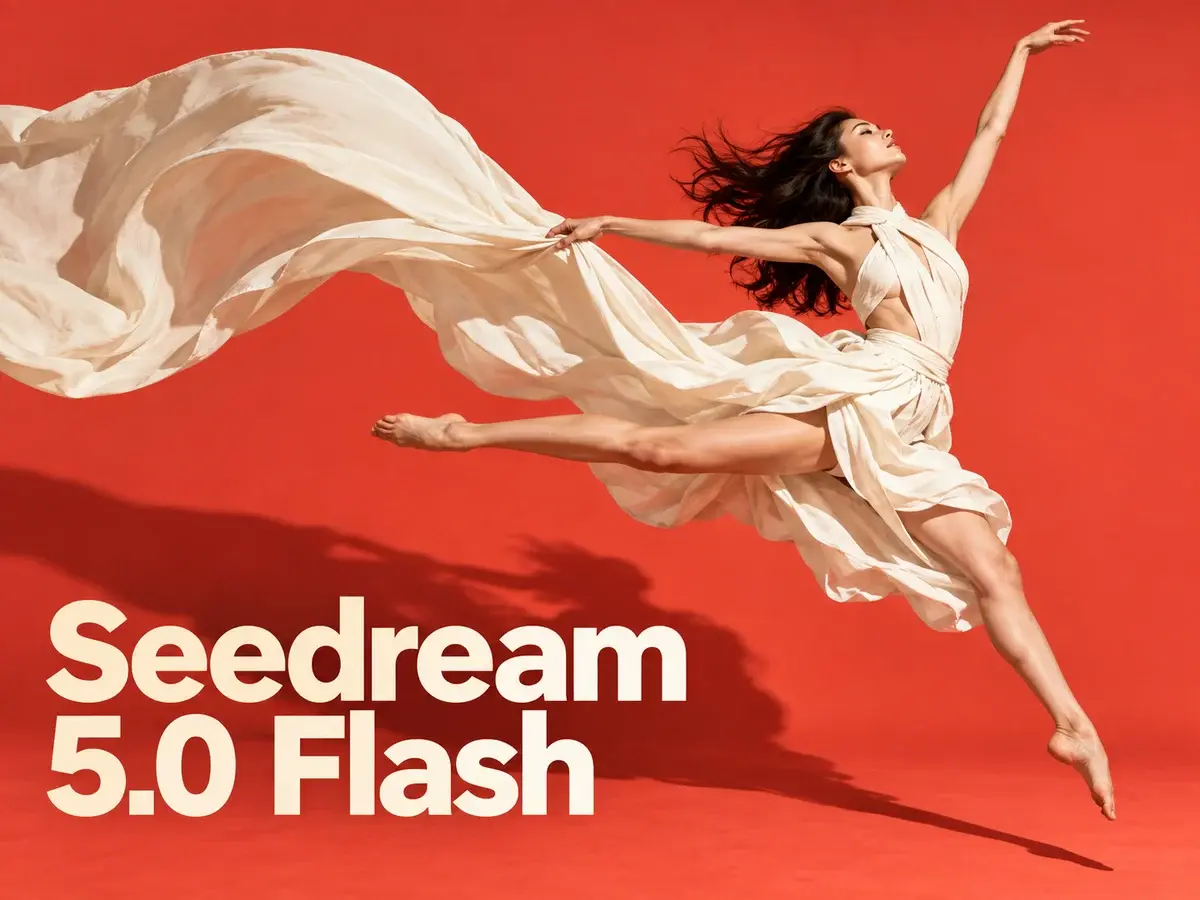
Seedream 5.0 Flash turns prompts or ten reference photos into crisp images up to 2K, with multilingual text and a flat 3-credit price.
AI Tools
Explore AI tools


What Makes Seedream 5.0 Flash Stand Out
A fast, low-cost member of ByteDance's Seedream 5.0 family, designed for quick image generation and edits that combine several references.
- Fast Entry in the 5.0 LineupPositioned below Seedream 5.0 Pro, this model favors turnaround time and budget over maximum fidelity.
- Flat Cost Across SizesEvery output, whether 1K, 1.5K or 2K, uses the same 3 credits; adding references does not raise the charge.
- Edits with Up to Ten ReferencesUpload a batch of images, describe how they should combine, and the model blends subjects, products or styles into one picture.
Step-by-Step: Using Seedream 5.0 Flash
Follow three simple steps to create or modify images with Flash.
Seedream 5.0 Flash: Common Questions
Find clear answers about image creation, reference edits, credit costs and available resolutions.
What separates Seedream 5.0 Flash from Seedream 5.0 Pro?
Flash focuses on speed and lower cost, while Pro is the flagship option with higher visual fidelity, stronger typography and 2K output.
What resolutions and aspect ratios are available?
You can select 1K, 1.5K or 2K and pick from many ratios, including 21:9 widescreen and 9:16 vertical.
How many credits do 1K, 1.5K and 2K images cost?
Each image costs 3 credits regardless of resolution. Edits use the same rate, and uploading references is free.
Can I use multiple reference images in a single edit?
Yes, up to ten. Add your sources, describe the intended change, and Flash combines the subjects, products or styles into one result.
Does Seedream 5.0 Flash support multilingual text in images?
It does. You can include readable text in English or other languages, which is useful for posters, menus, social content and product mockups.
Which models belong to the Seedream family?
The series includes Seedream 5.0 Pro, Seedream 5.0, Seedream 4.5 and Seedream 4, each offering a different mix of fidelity, text rendering and generation quality.
Start Creating with Seedream 5.0 Flash
Enter a prompt or add up to ten references, then generate or edit. Every image costs 3 credits, comes out up to 2K, and can be saved as PNG or JPEG.